Hindi-Character-Recognition
The app is live on huggingface spaces! Try it -> Gradio-HCR
Running the app locally:
You can run the streamlit and gradio app locally.
-
Install the requirements:
pip install -r requirements.txt -
Now, just do
streamlit run app.pyorgradio gradio_app.py
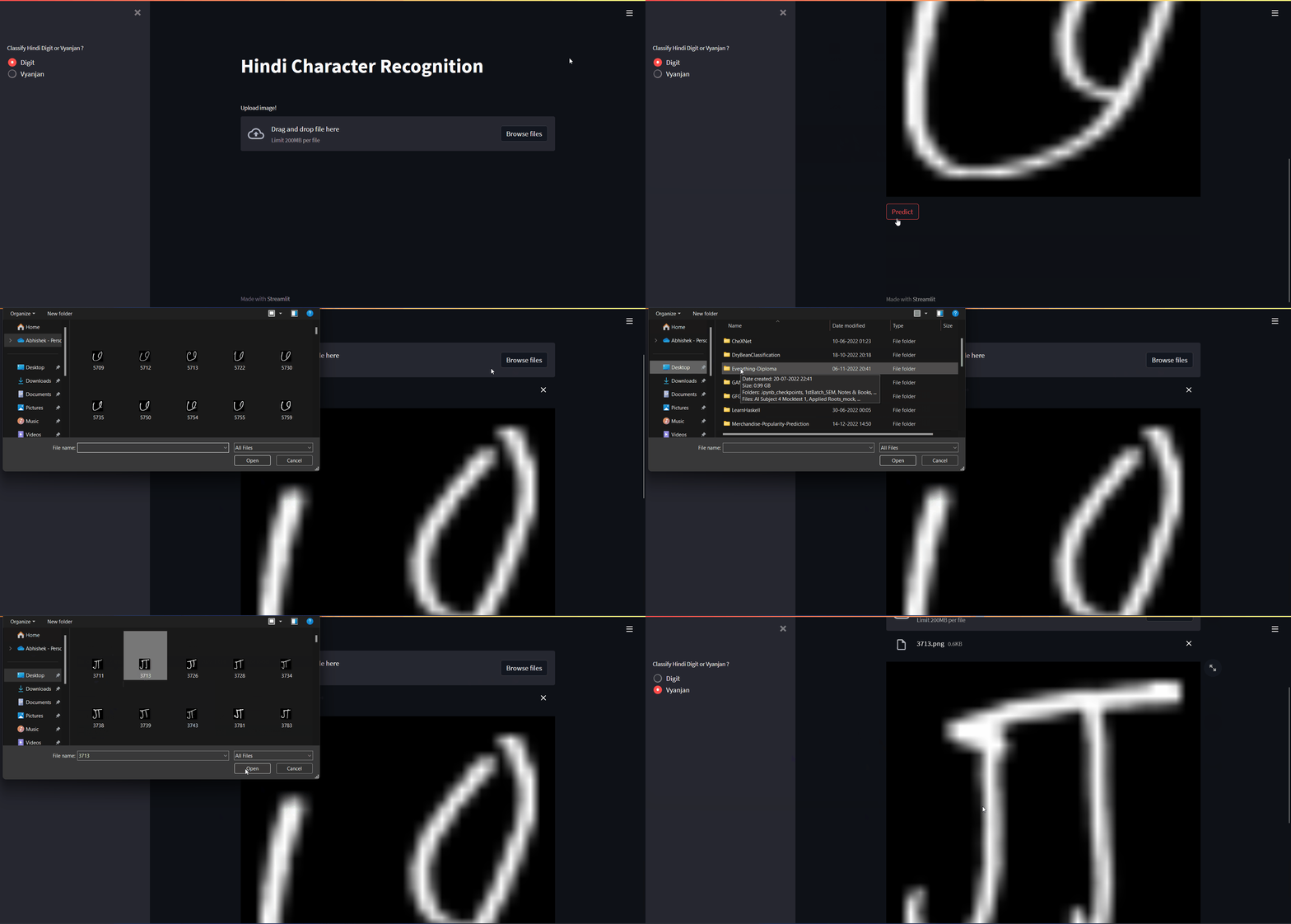
Streamlit demo
Gradio demo

Training the model (Optional)
-
Install the requirements:
pip install -r requirements.txt -
Hindi Character Recognition
Getting the data:
- Download the data from here
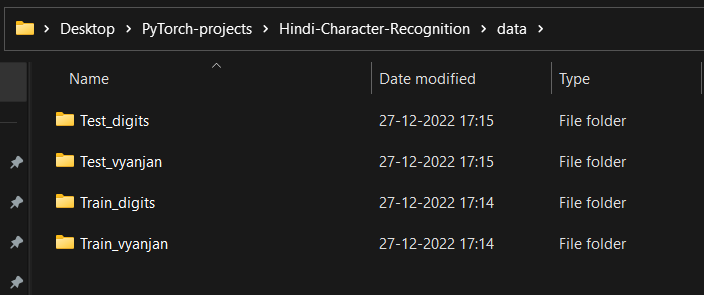
- Unzip it. You need to split the data into 4 different directories, since we are training for Hindi digits & letters separately.
How to run ?
- You can create your custom model in the
model.pyfile or can go with theHNetalready present. For custom models created, you need to import them totrain.py, for them to to use. Remember we are training different models for Hindi Digit & Characters. - Now to train the model with default params do,
python train.py. You can also specify epochs and lr. Most important, is themodel_type - To train do,
python train.py --epochs <num-epochs> --lr <learning-rate> --model_type <type-of-model>